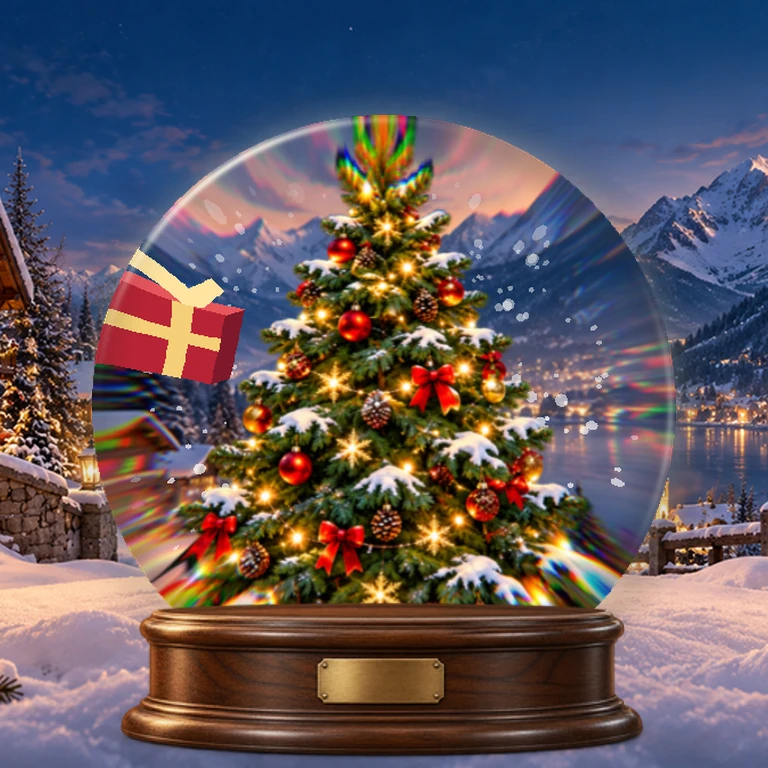
A little winter wonder for your Home Screen. Choose a snowy globe, glowing tree lights, a swinging chandelier, or one of Santa’s seasonal scenes.
THE CHRISTMAS COLLECTION
Find your kind of Christmas.
Explore five featured widgets, then choose from four Snow Globe backdrops: Village, Northern Lights, By the Hearth, and Winter Twilight.
Tree Lights
Colorful tree lights shimmer in the window, with snow falling outside.
Crystal Christmas
A gently swinging crystal chandelier catches the Christmas lights beside a snowy window and a glowing fireplace.
Christmas Snow Globe
Snowy rooftops and a little tree glow inside a winter snow globe.
Santa Scenic Ride
Santa sets off through a snowy forest with a tree aboard his little ride.
Santa’s Quiet Break
Santa rests beside the fire while a page of the Christmas countdown lifts on a rope.
And much more.
Choose a Snow Globe backdrop, switch between day and night, and make the season yours.
FIND YOUR LITTLE WORLD
Find a world for your next celebration.
Jubs celebrates holidays, festivals, and traditions through little animated worlds. Upcoming scenes are marked as previews. Check the App Store listing for the features available in the current release.
Install Jubs and open the app. Then touch and hold an empty area of your Home Screen, tap Edit, and choose Add Widget. Search for Jubs, pick a size, and add it to your screen.
Is the Christmas collection free?
Jubs is free to download, with free widgets to try. Some scenes and options need Premium, a one-time in-app purchase. Check the app for what is included before choosing your Christmas scene.
Will it change my wallpaper?
Your wallpaper and app icons stay as they are. Jubs adds a widget beside them, so you can bring in a little Christmas without redoing your whole Home Screen.